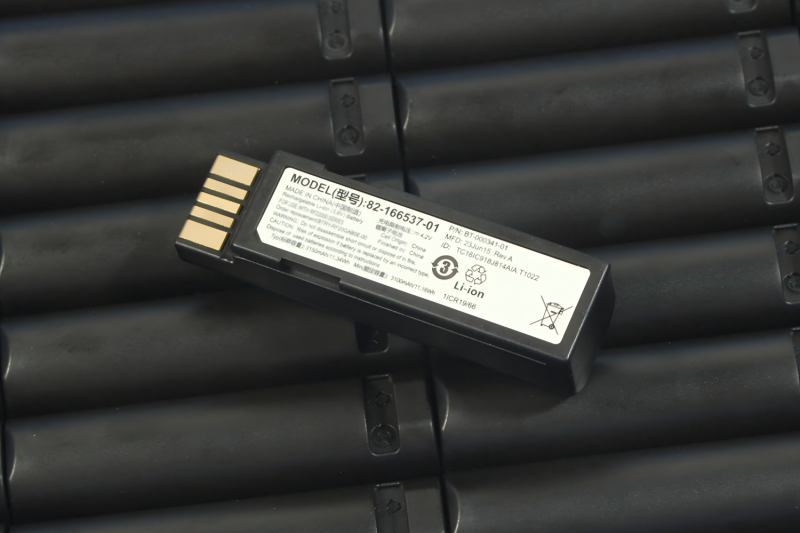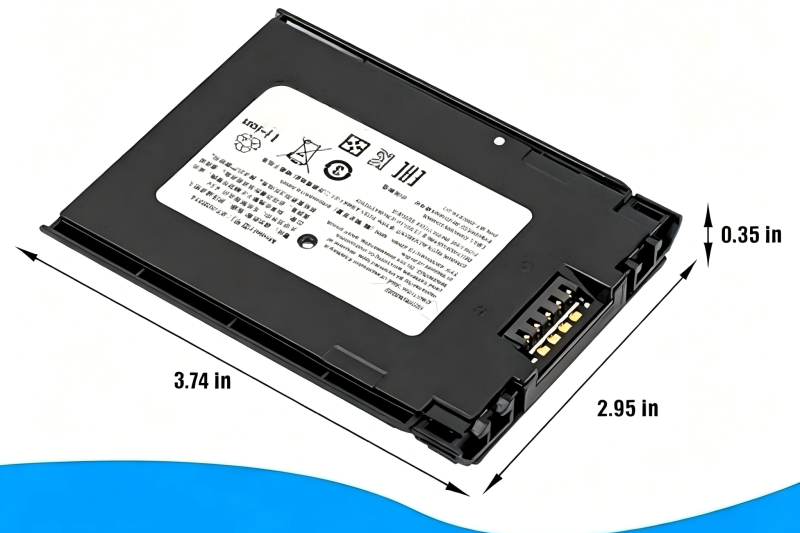


How to Know Your POS Device Battery Needs Replacement: 6 Warning Signs
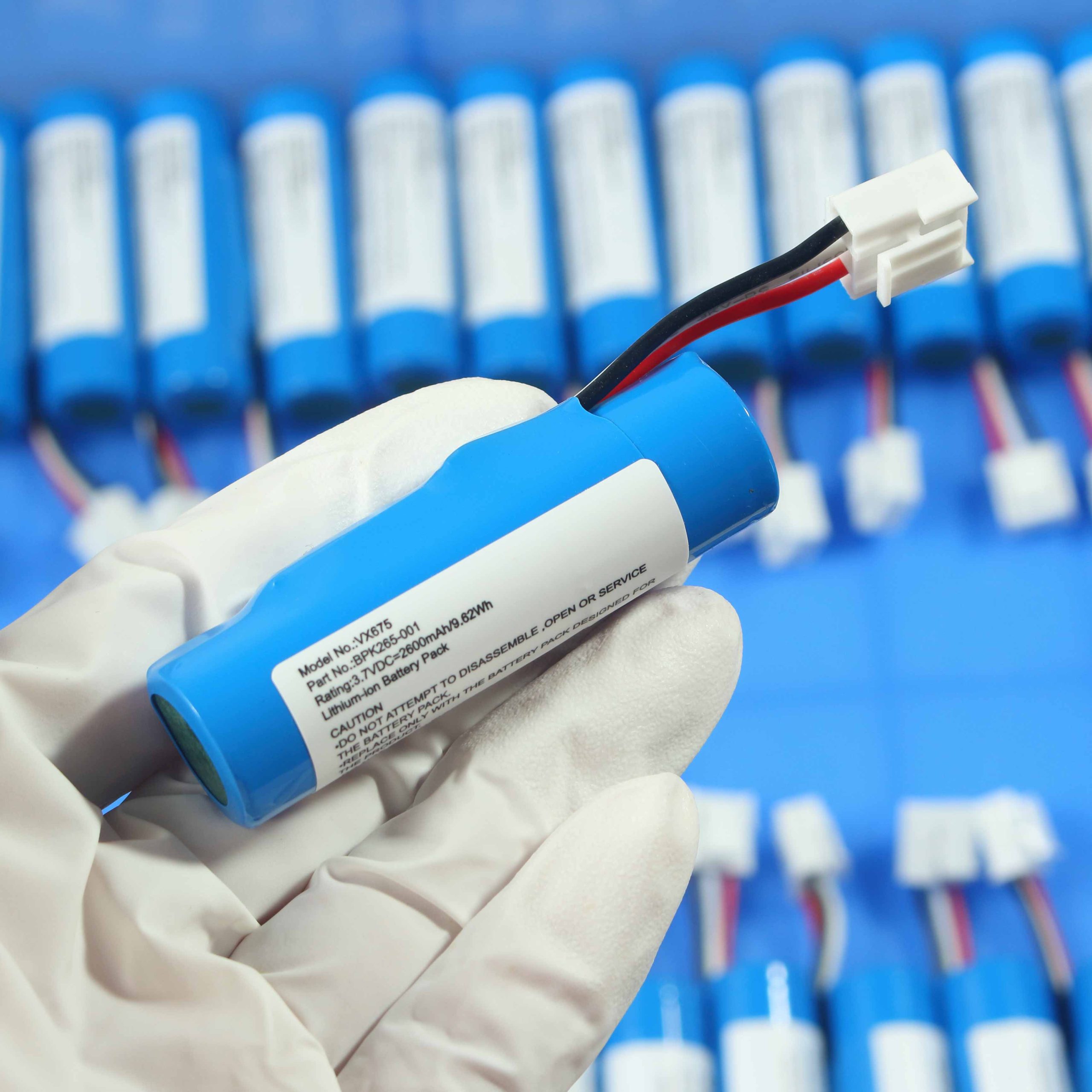
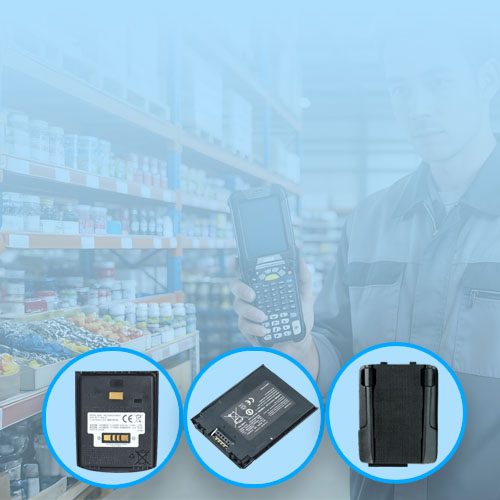
Reliable battery performance is essential for POS devices and handheld barcode scanners. Over time, even high-quality lithium-ion batteries degrade. Recognizing the early warning signs helps avoid unexpected downtime and ensures smooth daily operations.
1. Rapid Battery Drain in POS Devices
If your device loses charge unusually fast—even under normal usage—it’s often a sign of battery aging. Conduct a quick test by leaving the device idle for a few hours to see if the battery still drops sharply. Learn how to troubleshoot battery drain.
2. Unexpected POS Device Shutdowns
When devices shut down before reaching 0%, the battery may no longer maintain stable voltage under load. This is a typical symptom of lithium-ion degradation. Early replacement prevents workflow interruptions.
3. Extended Charging Time on Barcode Scanners
If charging takes longer than usual, internal resistance may be building up inside the battery. This not only slows down the recharge process but also reduces overall device runtime.
4. Battery Swelling or Overheating: Safety Risks
Physical swelling or excessive heat during operation or charging is a critical warning. Using a compromised battery can damage your device or pose safety hazards. Inspect batteries regularly, especially in high-usage environments.
5. Erratic Battery Percentage Display in POS Devices
Unstable readings (e.g., 70% → 30% → 50%) indicate that some battery cells may be failing. This leads to unpredictable performance during scanning or transactions. Check with a known good battery to confirm.
6. Reduced Runtime During Heavy Barcode Scanning
Even during heavy usage—continuous scanning or wireless communication—your device should maintain reasonable runtime. A significant drop signals that the battery can no longer meet the power demands.
Recommended Action
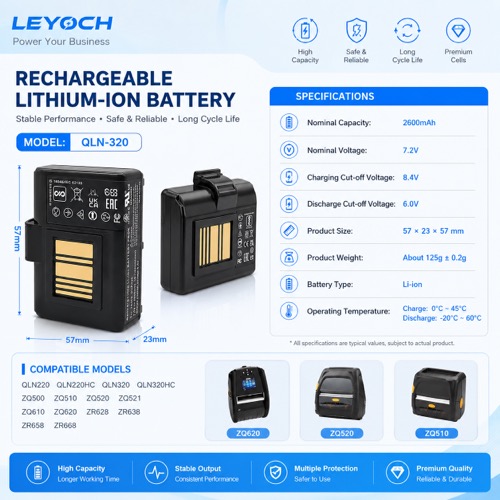
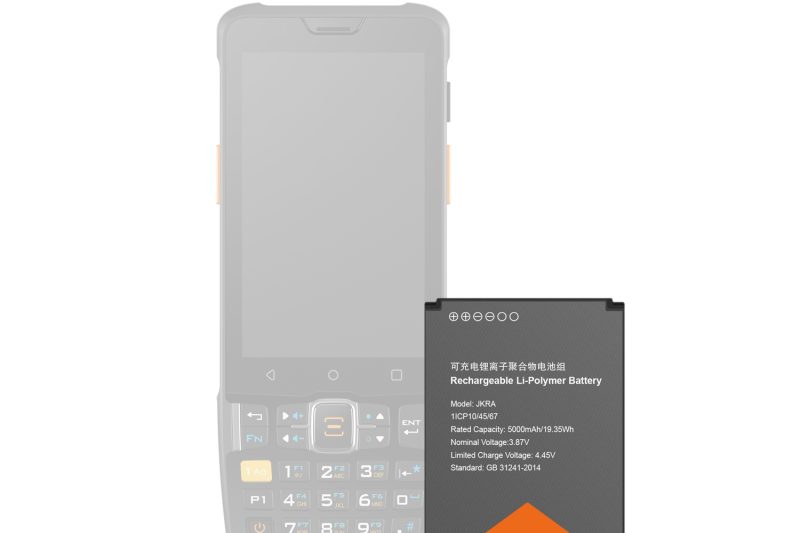
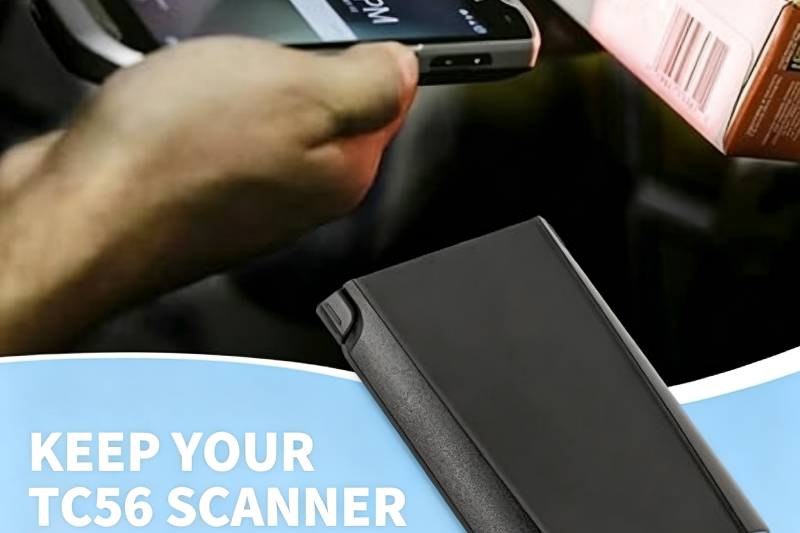
When multiple warning signs appear, it’s time to replace the battery. Proactively replacing batteries ensures devices stay operational and reduces maintenance interruptions.
For step-by-step guidance on troubleshooting and selecting the right replacement battery, visit our Battery Troubleshooting Guide.
POS device battery, handheld scanner battery, barcode scanner battery signs, lithium-ion battery degradation, battery troubleshooting, POS battery replacement.