

How Warehouse Operations Affect Barcode Scanner Battery Performance
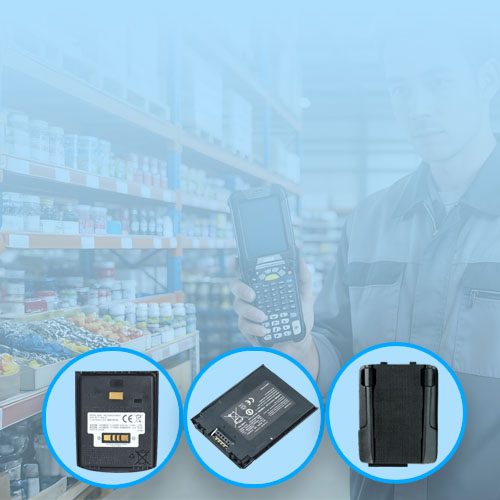
Barcode scanners are essential tools in modern warehouses. They are used all day for inventory management, order picking, and shipping. Many businesses notice battery performance issues over time.
While it’s common to blame the battery itself, the way scanners are used and stored has a major impact on battery life and reliability.
This article explains the main warehouse factors that influence battery performance and what can be done to minimize problems.
Scanning Frequency and Power Consumption
In warehouses, barcode scanners are used constantly. Frequent scanning keeps the processor, scanner engine, display, and wireless modules active.
High scanning frequency results in faster battery depletion and more charge cycles over time. Devices used heavily in warehouses age faster than those used occasionally in retail.
Tip: Rotate devices when possible to balance usage and prolong battery lifespan.
Wireless Communication Affects Runtime
Many scanners rely on Wi-Fi or Bluetooth to communicate with inventory systems. Continuous wireless connections increase energy consumption.
In large warehouses, devices may frequently switch between access points, further adding load to the battery.
Tip: Maintain a stable network and reduce unnecessary wireless use during idle periods.
Temperature and Environment Matter
Warehouse temperatures can vary greatly. High heat accelerates lithium battery aging, while very low temperatures can temporarily reduce performance.
Batteries stored or used near heat sources or in vehicles can degrade faster than expected.
Tip: Store spare batteries in a controlled environment and avoid direct sunlight during use.
Screen Brightness and Device Settings
Screen brightness and background settings affect battery consumption. Many warehouse scanners have displays set to maximum brightness for visibility.
Other factors that drain power include continuous wireless communication and background notifications.
Tip: Adjust settings where possible to reduce power drain without affecting workflow.
Charging Practices and Shift Length
Warehouse shifts often run long hours. Devices may sit on chargers between shifts or remain plugged in for long periods.
Inconsistent charging habits can affect battery performance over time.
Tip: Implement a standard charging routine, and avoid leaving batteries at full charge for extended periods.
Spare Battery Management
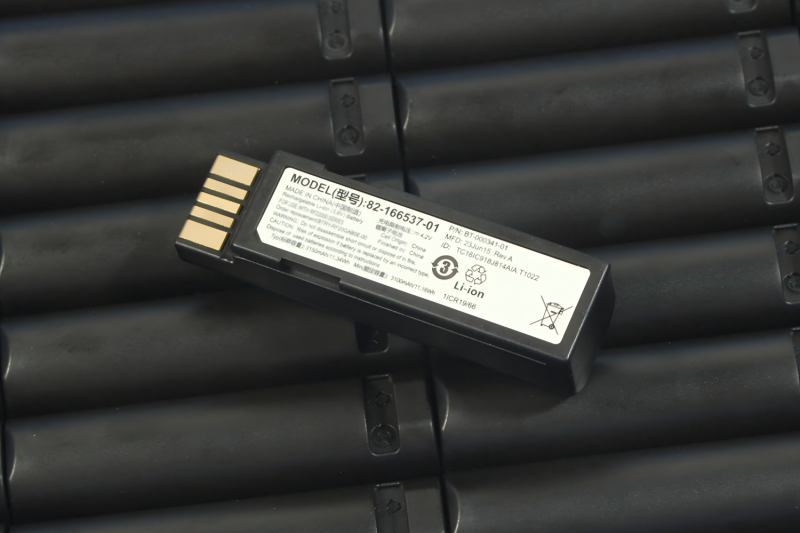
Large operations often keep spare batteries in stock. Improper storage or long-term inactivity can affect battery quality before use.
Tip: Rotate battery inventory using a first-in, first-out system. Inspect batteries periodically for swelling or abnormal voltage.
Choosing Replacement Batteries Carefully
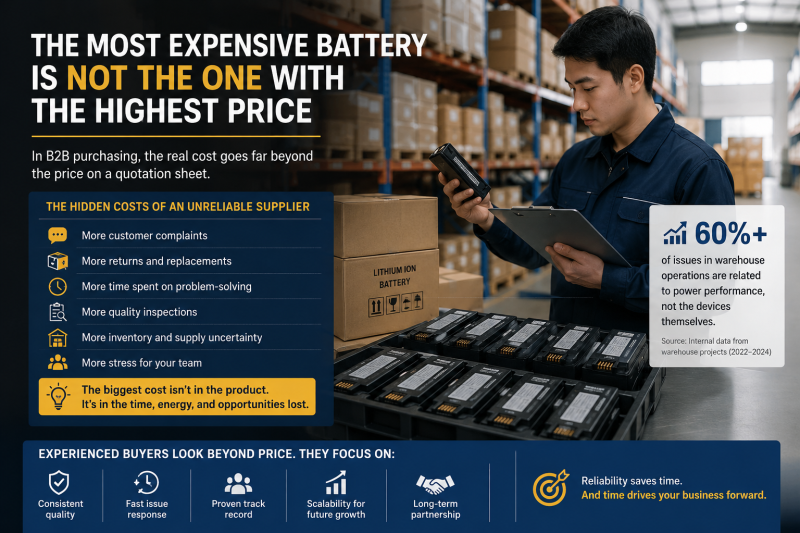
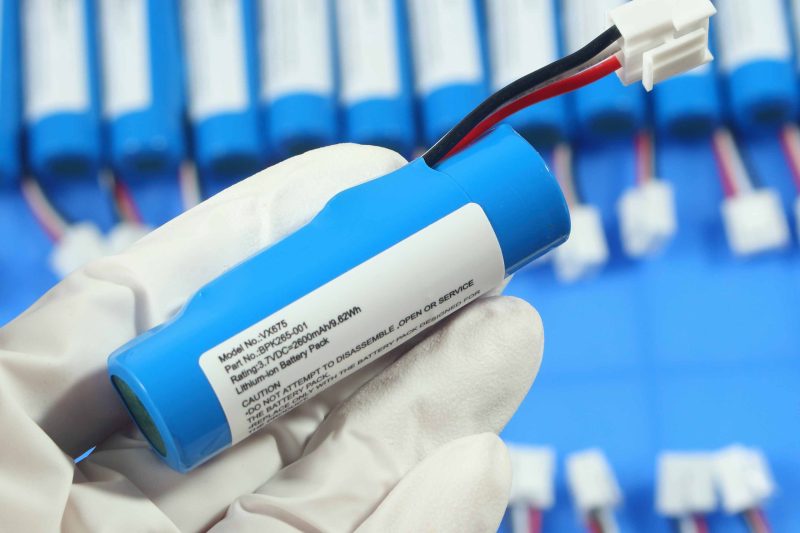
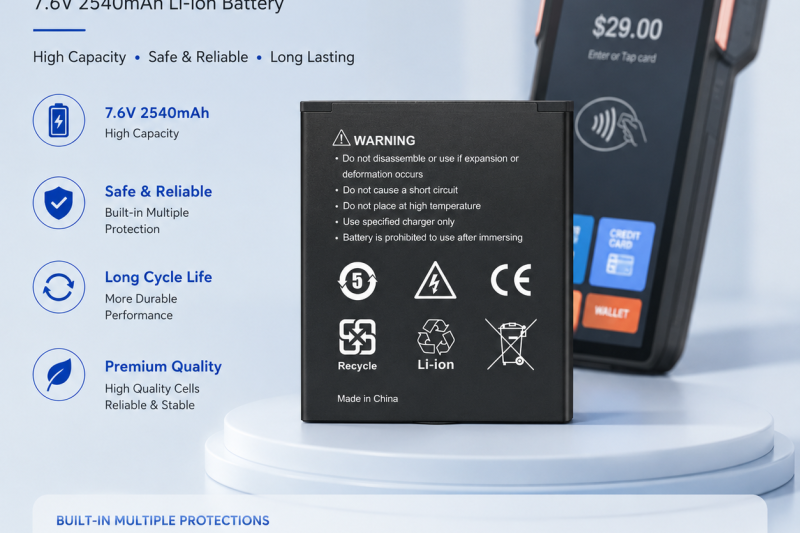
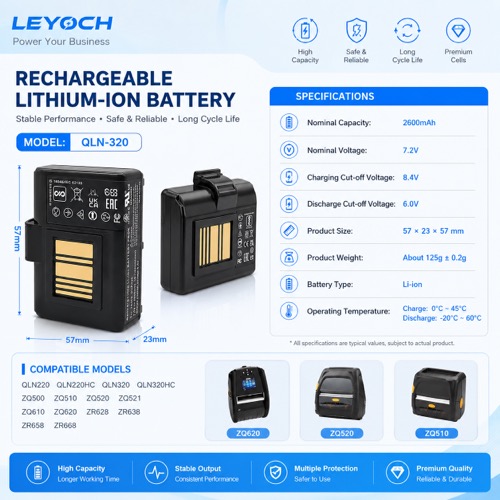
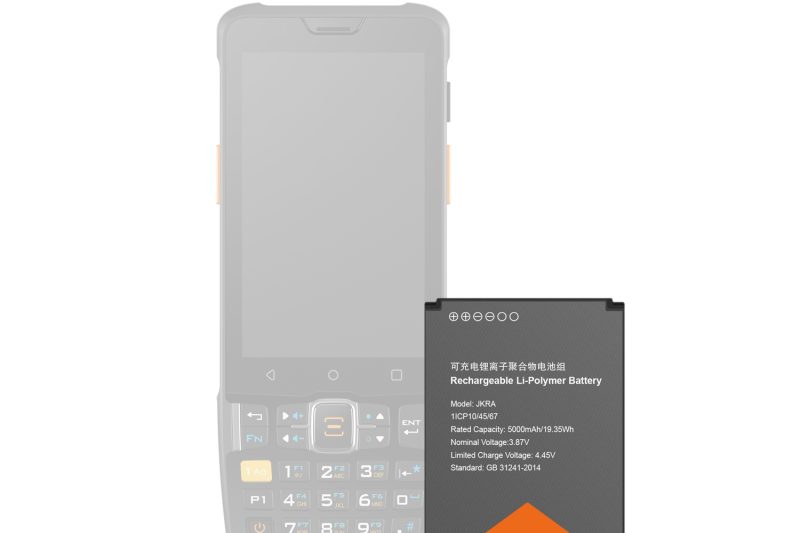
Eventually, all batteries need replacement. Focus on quality, not just capacity.
Key considerations:
- Correct voltage and connector type
- Stable and high-quality cells
- Built-in safety protections
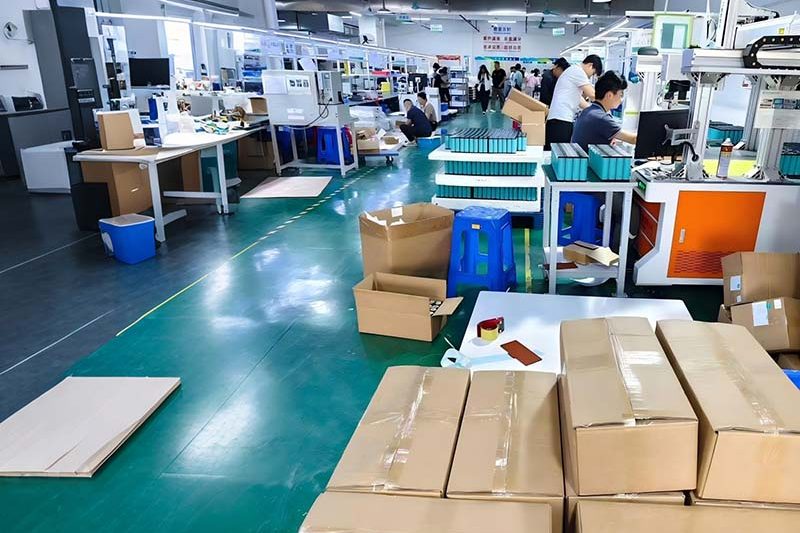
- Reliable supplier with consistent production
High-quality replacement batteries reduce downtime and maintain operational efficiency.
Conclusion
Battery performance is affected by how scanners are used, charged, and stored in warehouse environments.
By understanding scanning patterns, wireless usage, environmental conditions, and inventory management practices, warehouse managers can extend battery life, reduce maintenance costs, and keep operations running smoothly.
Barcode scanners are essential tools in modern warehouses. They are used all day for inventory management, order picking, and shipping. Many businesses notice battery performance issues over time.
While it’s common to blame the battery itself, the way scanners are used and stored has a major impact on battery life and reliability.
This article explains the main warehouse factors that influence battery performance and what can be done to minimize problems.
Scanning Frequency and Power Consumption
In warehouses, barcode scanners are used constantly. Frequent scanning keeps the processor, scanner engine, display, and wireless modules active.
High scanning frequency results in faster battery depletion and more charge cycles over time. Devices used heavily in warehouses age faster than those used occasionally in retail.
Tip: Rotate devices when possible to balance usage and prolong battery lifespan.
Wireless Communication Affects Runtime
Many scanners rely on Wi-Fi or Bluetooth to communicate with inventory systems. Continuous wireless connections increase energy consumption.
In large warehouses, devices may frequently switch between access points, further adding load to the battery.
Tip: Maintain a stable network and reduce unnecessary wireless use during idle periods.
Temperature and Environment Matter
Warehouse temperatures can vary greatly. High heat accelerates lithium battery aging, while very low temperatures can temporarily reduce performance.
Batteries stored or used near heat sources or in vehicles can degrade faster than expected.
Tip: Store spare batteries in a controlled environment and avoid direct sunlight during use.
Screen Brightness and Device Settings
Screen brightness and background settings affect battery consumption. Many warehouse scanners have displays set to maximum brightness for visibility.
Other factors that drain power include continuous wireless communication and background notifications.
Tip: Adjust settings where possible to reduce power drain without affecting workflow.
Charging Practices and Shift Length
Warehouse shifts often run long hours. Devices may sit on chargers between shifts or remain plugged in for long periods.
Inconsistent charging habits can affect battery performance over time.
Tip: Implement a standard charging routine, and avoid leaving batteries at full charge for extended periods.
Spare Battery Management
Large operations often keep spare batteries in stock. Improper storage or long-term inactivity can affect battery quality before use.
Tip: Rotate battery inventory using a first-in, first-out system. Inspect batteries periodically for swelling or abnormal voltage.
Choosing Replacement Batteries Carefully
Eventually, all batteries need replacement. Focus on quality, not just capacity.
Key considerations:
- Correct voltage and connector type
- Stable and high-quality cells
- Built-in safety protections
- Reliable supplier with consistent production
High-quality replacement batteries reduce downtime and maintain operational efficiency.
Conclusion
Battery performance is affected by how scanners are used, charged, and stored in warehouse environments.
By understanding scanning patterns, wireless usage, environmental conditions, and inventory management practices, warehouse managers can extend battery life, reduce maintenance costs, and keep operations running smoothly.